New Public dataset catalog with a viewer →

Create an AI dataset from any website, with a source on every record

DatasetsDB crawls your pages, strips the noise and exports clean Q&A, RAG chunks and fine-tuning files. Every record carries its source URL and a confidence score, so you can check it before you use it.

Free for up to 300 pages, no card needed · or upload a dataset

  • Respects robots.txt
  • Every record has a source
  • 14 export formats
datasetsdb.com/app · acme-docs.com Done

AI-readiness

212 pages crawled · 486 Q&A pairs · 1,940 chunks

8 pass2 warn1 fail
AI crawlers allowedGPTBot, ClaudeBot, PerplexityBot
pass
Structured dataFAQPage found on 9 of 212 pages
warn
llms.txtNot found; we can generate one
fail
qa.jsonl1 of 486
{"question": "How long does a refund take?",
 "answer": "Refunds reach your card in 5-7 business days.",
 "context": "Billing > Refunds",
 "source": "https://acme-docs.com/billing/refunds",
 "tags": ["billing", "refunds"],
 "confidence": 0.9}
How it works

From URL or file to dataset in three steps

No scripts to write and no servers to run. You can see what was extracted, and from where, before you export it.

  1. A website and a file dropping into a box

    Add a site or a file

    Paste a website address and set a page limit, or drop in a JSONL, CSV, Parquet or other dataset you already have.

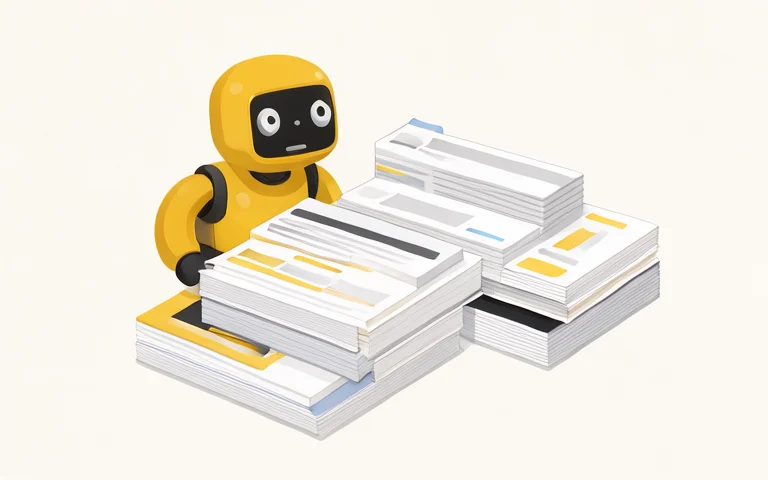
  2. A robot sorting web pages and removing clutter

    We crawl, clean and analyse

    Menus, cookie banners and sidebars are removed. We extract Q&A and chunks, find duplicates and personal data, and score the result.

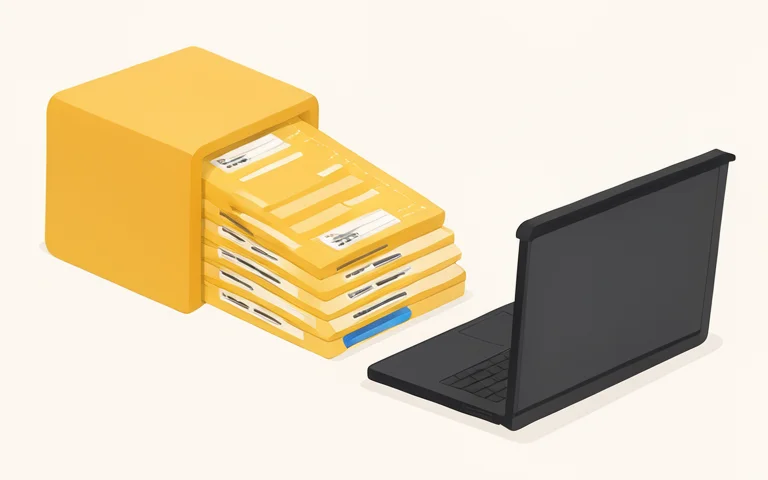
  3. Data files flowing from a box to a laptop

    Export datasets

    Download Q&A, RAG chunks, Alpaca, ChatML, ShareGPT, llms.txt or FAQ markup, one at a time or all in one ZIP.

Who it is for

One crawl, two kinds of output

The same pass over your site produces a report you can act on and data you can ship.

A marketer checking the AI-readiness score of a website

Marketers and site owners

See how readable your site is for AI search and assistants, and get the fixes in plain language.

  • AI-readiness audit: 11 weighted checks and a 0-100 score.
  • FAQ schema: FAQPage JSON-LD built from your own content, ready to paste.
  • llms.txt: a generated llms.txt and llms-full.txt for your site.

A developer connecting text blocks to a database

Developers

Skip the scraping and cleanup and start with data that is already shaped for retrieval and training.

  • Clean RAG chunks: about 320 words each, with heading path and token estimate.
  • Q&A with source and confidence: filter out weak pairs before you export.
  • Fine-tuning formats: Alpaca, ChatML and ShareGPT out of the box.
What you get

Data you can trace back to the page

Fewer, cleaner records beat a large pile of noisy ones. Each step is built to keep only what holds up.

A web page cleaned of banners and menus

Noise-free extraction

Navigation, footers, cookie banners and sidebars are stripped before anything is chunked, so they never end up in your index.

A question and a verified answer linked to a page

Grounded Q&A with confidence

Pairs come from FAQ markup (1.0), question headings and collapsible sections (0.9) or topic headings (0.45). The score tells you which is which.

A document cut into labelled retrieval chunks

RAG chunks with heading path

Chunks follow the page structure and keep the heading trail, URL, position and token estimate, ready for your vector store.

Duplicate records fading next to a shield

Dedup and PII flags

Duplicate pages and rows are detected by content hash. Rows with emails, phone numbers or other personal data are flagged and can be masked on export.

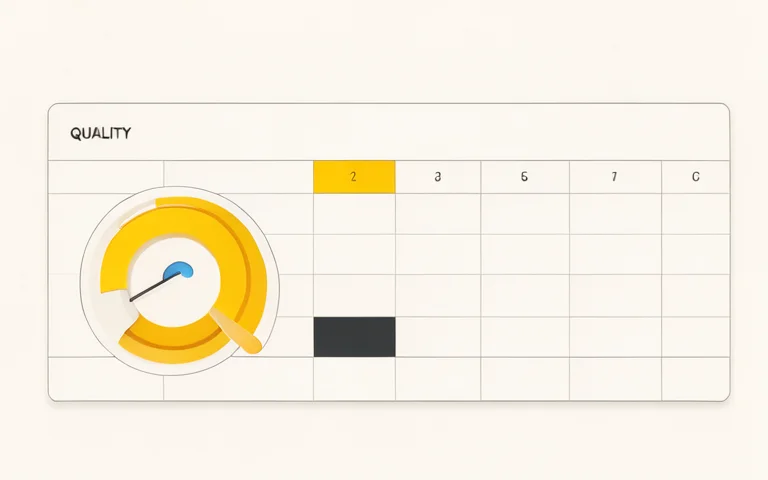
A data table with a quality gauge

Quality score for uploads

Upload a dataset and get a 0-100 quality score with reasons: duplicates, empty and too-short rows, overlong rows and detected format.

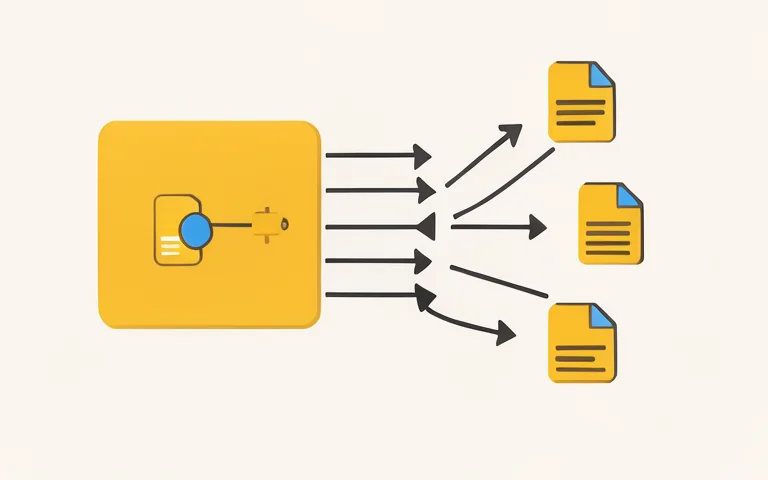
One dataset exported to several file formats

One-click export

Pick a format, set a minimum confidence and download. Or take everything at once as a single ZIP with a JSON report.

Use cases

What people build with a dataset

The same crawl feeds assistants, search, training and your own site.

A support assistant answering from a knowledge base

Support assistant

Feed the Q&A pairs to a help-desk bot so it answers from your own pages and can show the source link.

A search bar pulling passages from documents

RAG search over your docs

Load the chunks into a vector store. Each one keeps its heading path and URL, so retrieved context stays traceable.

Question and answer cards feeding a neural network

Fine-tuning set

Export Alpaca, ChatML or ShareGPT files and filter by confidence before you train a model on your product knowledge.

A web page with expandable questions

FAQ block for your site

Take the extracted questions with FAQPage JSON-LD and publish them back on the pages that lack a visible FAQ.

A text file handed from a website to a robot

llms.txt in one click

Download llms.txt and llms-full.txt built from the crawl instead of writing them by hand.

A website quoted inside an assistant chat

AI search readiness

Use the audit to find pages that AI crawlers cannot read, fix them and re-run the crawl to see the score move.

Formats A shelf of different file formats

14 export formats, no conversion scripts

Q&A, fine-tuning, retrieval and site files. Field names are documented and stable.

Field-by-field reference with samples: see all formats.

AI-readiness audit A checklist next to a website page

11 checks you can measure and fix

Each check is weighted and rolled up into a 0-100 score, with a plain-language recommendation for anything that fails.

  1. AI crawlers allowedrobots.txt rules for GPTBot, ClaudeBot, PerplexityBot and others.
  2. Structured dataJSON-LD such as Organization, Article, Product and FAQPage.
  3. Q&A contentQuestions answered directly on the page, in markup or headings.
  4. Titles and descriptionsPresent, unique and a sensible length.
  5. Heading structureOne H1 and a logical H2/H3 outline.
  6. Substantial contentPages with enough real text to answer something.
  7. Readable without JavaScriptMain content present in the HTML, not only after rendering.
  8. Authors and datesBylines and published or updated dates.
  9. XML sitemapFound and listed in robots.txt.
  10. llms.txtPresent at the site root.
  11. Canonical and langCanonical URLs and a declared page language.

What we do not promise. These checks make your site easier for machines to read. They do not guarantee that ChatGPT or any other assistant will cite you, and nobody can honestly promise that. llms.txt is included because it is cheap to add, but whether assistants actually use it is still unproven, so it carries a low weight in the score.

Pricing

Start free. Pay when you need more pages.

The Free plan is live today. Paid plans are on the way; sign up now and keep your projects when they launch.

Starter

Coming soon
$19/ month
  • 1,000 pages per site
  • All export formats
  • Everything in Free
Sign up free

Pro

Coming soon
$79/ month
  • 10,000 pages per site
  • Parquet and Hugging Face export
  • API access
  • Scheduled re-crawls
Sign up free

Scale

Coming soon
$249/ month
  • 100,000 pages per site
  • Webhooks
  • Team access
  • Everything in Pro
Sign up free

Prefer not to subscribe? One-off page packs that never expire are planned as well.

Distribution

Place your dataset on 100, 1,000 or 4,000 sites

After you create a dataset, we can publish pages with its question-answer pairs on other websites, each linking back to your pages as the source. Every site gets its own selection and its own intro, pages go live gradually, and you get a report with every URL.

Start

100sites
  • $99 one-time
  • Pages go live over 7 days
  • Report with every URL

Scale

4,000sites
  • $1,900 one-time
  • Pages go live over 60-90 days
  • Report with every URL

Placement is requested from the Distribute tab of a finished project. Nothing is charged at request time. We sell placement and a URL report; we do not promise rankings or quotes in AI answers. Create a dataset to start.

A rocket made of data blocks

See what your site looks like to AI

Run the audit and get your first dataset in a few minutes. Free for up to 300 pages.

FAQ

Questions, answered

What is DatasetsDB?

DatasetsDB turns a public website or a file you upload into a clean dataset for AI. For a website we crawl the pages, strip navigation and other noise, extract Q&A pairs and RAG chunks, and score how ready the site is for AI search. For a file we detect the format, flag duplicates, empty rows and personal data, and give it a quality score. Every record keeps its source.

What is an AI dataset and what do I get?

An AI dataset is a file of structured records that a model or a search system can read directly. From a website you get question-answer pairs, retrieval chunks of about 320 words with their heading path, clean Markdown of every page, llms.txt and FAQ markup. Each record carries the URL it came from and a confidence score. Files are plain JSON Lines, CSV and Markdown; see all formats.

How is DatasetsDB different from a web crawler API?

A crawler API returns the raw Markdown of each page and leaves the rest to you. DatasetsDB goes further: it removes menus and cookie notices, splits pages into question-answer pairs and retrieval chunks, flags duplicates and personal data, scores how ready the site is for AI search, and exports ready-made fine-tuning formats. You do not write any code.

How is DatasetsDB different from Hugging Face Datasets?

Hugging Face hosts datasets that somebody has already built. DatasetsDB builds the dataset for you from a website or a raw file, and then you can keep it private or publish it in our catalog. The files we export load with the Hugging Face datasets library, pandas or any JSON Lines reader.

How much does DatasetsDB cost?

The Free plan costs $0 and is the only plan live today: up to 300 pages per website, files up to 50 MB and 20 projects, with the audit and every export format included. Paid plans are planned at $19, $79 and $249 per month for larger crawls, scheduled re-crawls and API access; they are not on sale yet.

What is the AI-readiness audit?

It is a 0-100 score built from 11 weighted checks of your site: whether AI crawlers are allowed in robots.txt, structured data such as FAQPage, question-and-answer content, titles and descriptions, heading structure, thin pages, pages that need JavaScript to show text, and more. Every failed check comes with a plain-language fix. The score describes how readable the site is for machines; it does not promise that an assistant will quote you.

What is a RAG chunk and how are chunks made?

A RAG chunk is a passage of text that a retrieval system can find and hand to a model as context. We cut each cleaned page along its headings into passages of about 320 words, never in the middle of a sentence, and store the heading path, the page title and the URL with every chunk, so an answer can always be traced back.

Do you use an LLM to write the answers?

Yes, as an option, and never without a check. Pairs taken from FAQPage markup and from headings phrased as questions are extracted from the page as they are. For the largest pages a language model also writes question-answer pairs, and each one must come with a quote copied from the page; if the quote is not found in the page text, the pair is dropped. Model-written pairs are marked with method llm and a confidence of 0.8, so you can filter them out when you export.

Do you respect robots.txt?

Yes. Our crawler, DatasetsDBBot, reads robots.txt before fetching anything and skips every path it is not allowed to visit. It only fetches public HTML pages, uses about 4 parallel requests with a short pause, and identifies itself with its own user agent. Site owners can block it with User-agent: DatasetsDBBot and Disallow: /. The rules we follow are those of the Robots Exclusion Protocol; details are on the crawler page.

Which file types can I upload?

JSONL, JSON, CSV, TSV, Markdown, TXT and Parquet. We detect whether the file is Q&A, Alpaca, ChatML, ShareGPT, plain text or a table, and work out which columns hold questions, answers, context and sources.

Is my data private?

Yes, by default. Projects and uploaded files are visible only to your account. A dataset appears in the public catalog only if you publish it yourself, and you can unpublish it at any time; personal data is masked in public downloads. Uploaded files are stored under random names outside the public web root, and we do not use your data to train models.

Can I publish my dataset in the public catalog?

Yes. A finished project has a Publish tab where you add a description, a task, a license and tags. The dataset then gets its own page with a row viewer, download links and code samples. Public files leave out duplicates, empty rows and low-confidence pairs, and personal data is masked. You can unpublish at any time.

Can I crawl a site I do not own?

You can analyse public pages that the site's robots.txt allows us to fetch. Pages behind a login are never crawled. You are responsible for having the right to use the content you collect, for example under the site's terms or your own agreement with its owner.

Does DatasetsDB render JavaScript pages?

Not yet. We read the HTML that the server sends. If a page shows its text only after JavaScript runs, we get little or nothing from it, and the audit reports such pages so you can see the problem. Server-rendered and static sites work best.

What is llms.txt and do I need it?

llms.txt is a proposed plain-text file that lists the important pages of a site for language models. We generate it and llms-full.txt for every crawled site. Its effect is not proven: most AI crawlers do not request it today, so treat it as a cheap extra, not as a ranking factor.